
Only the game in the tunnel
The app detects Legend Battles and sends just its traffic down the gaming route.
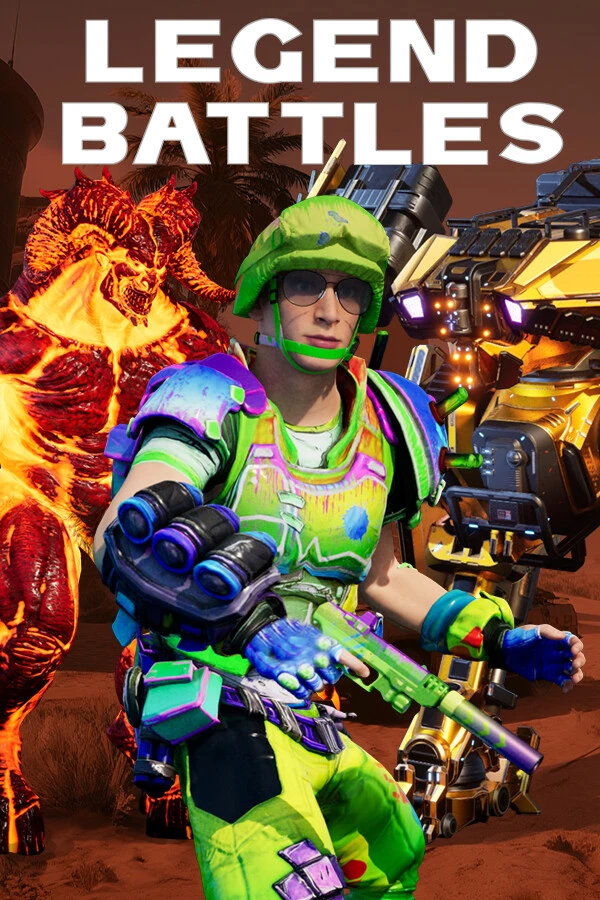
For Legend Battles to respond in real time, every millisecond on the network counts. GamesTC sends only the game's traffic through the tunnel and finds the lowest-latency route to the server each time you connect.
GamesTC Network
7 associated city(ies):
Game traffic only
Only the game goes through the tunnel on low-latency routes. Everything else stays on your normal connection.
GamesTC Detailed Smart Route
 FOR-01Entry NodeSP-01Exit Node
Connection quick guide
Instead of sending your whole internet connection through a distant server, GamesTC sends only Legend Battles traffic through an optimized tunnel. Downloads, your browser and streaming stay on the normal path and never compete with the game for the route.
The app detects Legend Battles and sends just its traffic down the gaming route.
Your browser, downloads and calls stay out of the tunnel.
The route is chosen by real latency to the server, not by guesswork.
The route is chosen by response time to the Legend Battles server, not by download speed.
Streaming and downloads stay on your regular connection.
Pick the game and connect. The app takes care of the route.
