
Round trip
Ping is the time an input takes to reach the Battlefield 6 server plus the time the reply takes to come back.
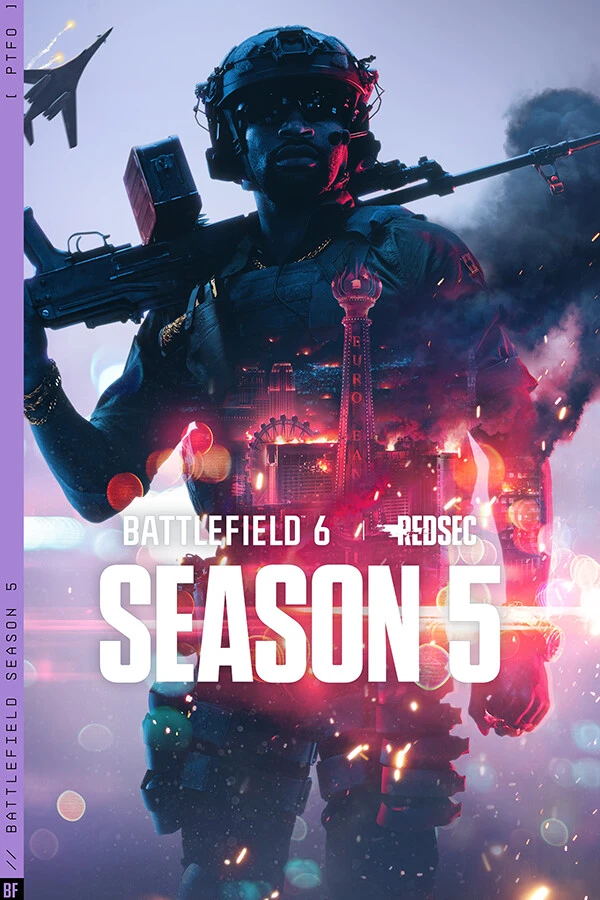
In a long Battlefield 6 session, one dropped connection can cost you progress. GamesTC keeps a stable tunnel to the server to cut down on freezes and mid-game disconnects.
GamesTC Network
7 associated city(ies):
Honest diagnosis
Find the cause of the lag first. GamesTC steps in when the problem is the path to the server.
GamesTC Detailed Smart Route
 FOR-01Entry NodeSP-01Exit Node
Connection quick guide
When your inputs feel late, it is almost always the round trip to the Battlefield 6 server, not your PC. That delay adds up from distance, your ISP's routing and queues at every router along the way. GamesTC works on the routing part.
Ping is the time an input takes to reach the Battlefield 6 server plus the time the reply takes to come back.
Fewer detours mean fewer milliseconds between your click and what happens on screen.
Keeping the same ping all match long matters more than hitting the lowest number once.
A connection made for hours of play, not just for a speed test.
You choose the server region and the app shows the recommended route.
A tool to free up memory and clear temporary files.
