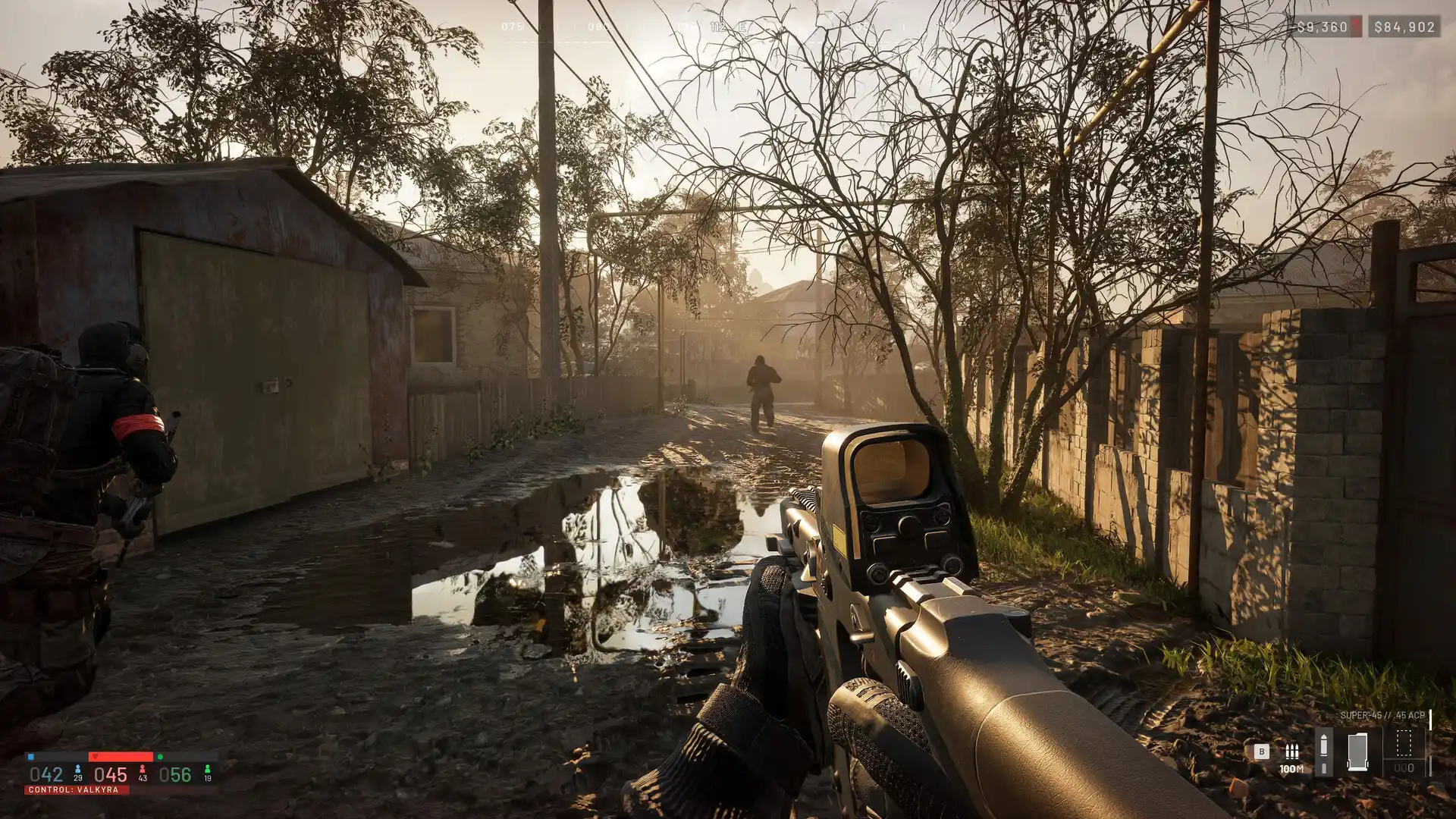
WARDOGS high ping and lag: how to diagnose your connection
Build a clean WARDOGS network baseline and find out whether delay begins on Wi-Fi, at your ISP, along the route, or inside the match.
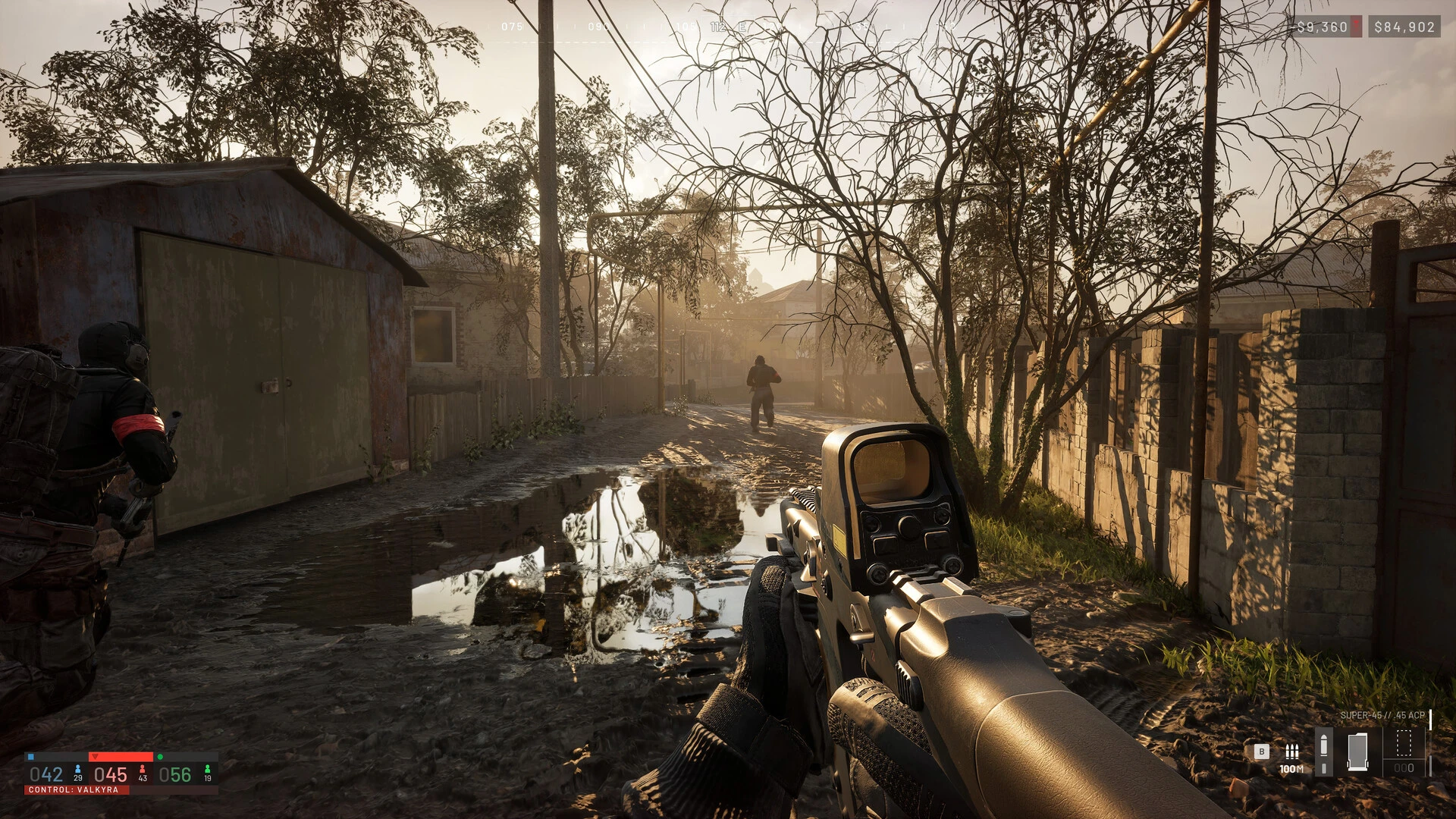
A useful WARDOGS latency test starts with a question: is the delay generated before traffic leaves your home, while it crosses networks, or at the match destination? The game is designed around large, online battles with up to 100 players, so a busy fight can expose both network instability and PC performance limits. Treat those as separate measurements.
Create a baseline, not a single screenshot
Pick one region, one time window, and a repeatable part of a match. Record ten minutes on the normal connection. Note the typical ping, the worst sustained spike, packet-loss bursts, and whether another device was uploading. Repeat the same process after changing only one variable. One unusually good sample is not proof that a route is better.
Test the first meter of the path
Ethernet is the cleanest baseline. If cable is unavailable, use a strong 5 GHz or 6 GHz signal and stop roaming between access points. Run a continuous test to your router while playing. Variation at that first hop points to the local network rather than the WARDOGS server. Check for cloud sync, live streaming, console downloads, and security cameras filling the upload channel.
Separate latency patterns
| Pattern | Likely layer to inspect |
|---|---|
| Every service spikes together | Router, Wi-Fi, access link, or bufferbloat |
| Only one game region degrades | Transit, peering, or that regional service |
| Players move smoothly but input feels visually uneven | Frame time and PC performance |
| Several players fail at the same moment | Match or platform infrastructure |
Compare routes fairly
Run at least three alternating rounds: direct, GamesTC, direct, GamesTC. Compare median and p95 instead of the lowest number. A route that lowers the p95 and removes loss bursts can feel better even if the average changes only slightly. If both paths fail at identical timestamps, look back at the home network or game service before forcing another route.
DNS is not a universal latency fix
DNS helps locate services before a connection is established. It normally does not rewrite the packet path of an active match. Changing DNS can solve a name-resolution problem, but it should not be presented as a guaranteed way to lower in-game ping.
Keep evidence for changing builds
WARDOGS is scheduled to enter Early Access, where performance and stability may change. Save the build date, region, ISP, test window, and route used. Re-run the baseline after a major patch rather than assuming an older result still applies.
Test your route with GamesTC
Download the app, pick your game and compare the optimized route against your normal connection before the next match.

Author
Equipe GamesTC
Especialistas em rotas para jogos
Conteúdo técnico sobre ping, jitter, packet loss, conectividade e desempenho em jogos online.
