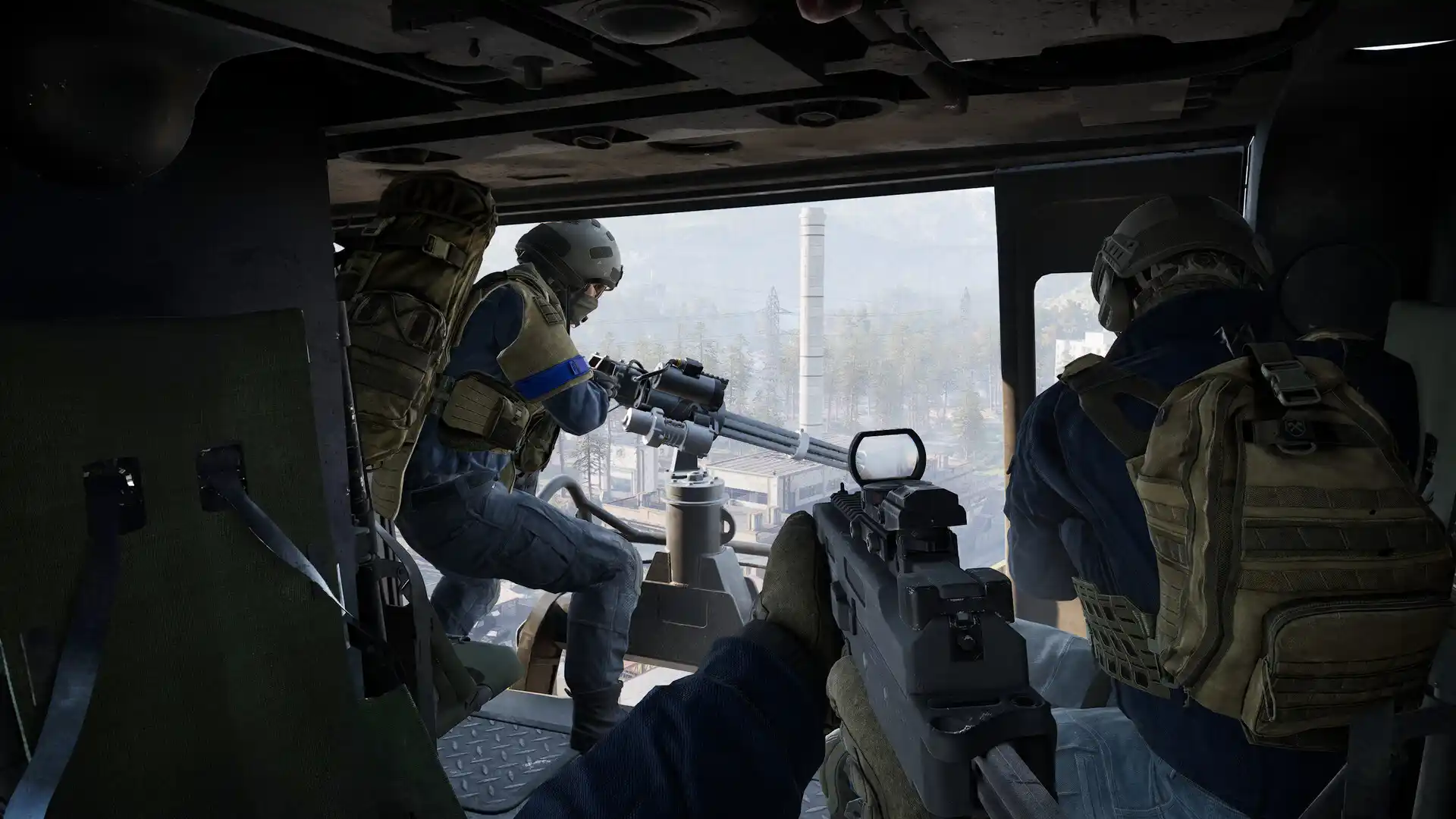
WARDOGS crashing or not launching: safe PC and Easy Anti-Cheat checks
Troubleshoot WARDOGS startup failures and mid-match crashes with reversible checks for Steam files, drivers, overlays, Windows, and Easy Anti-Cheat.
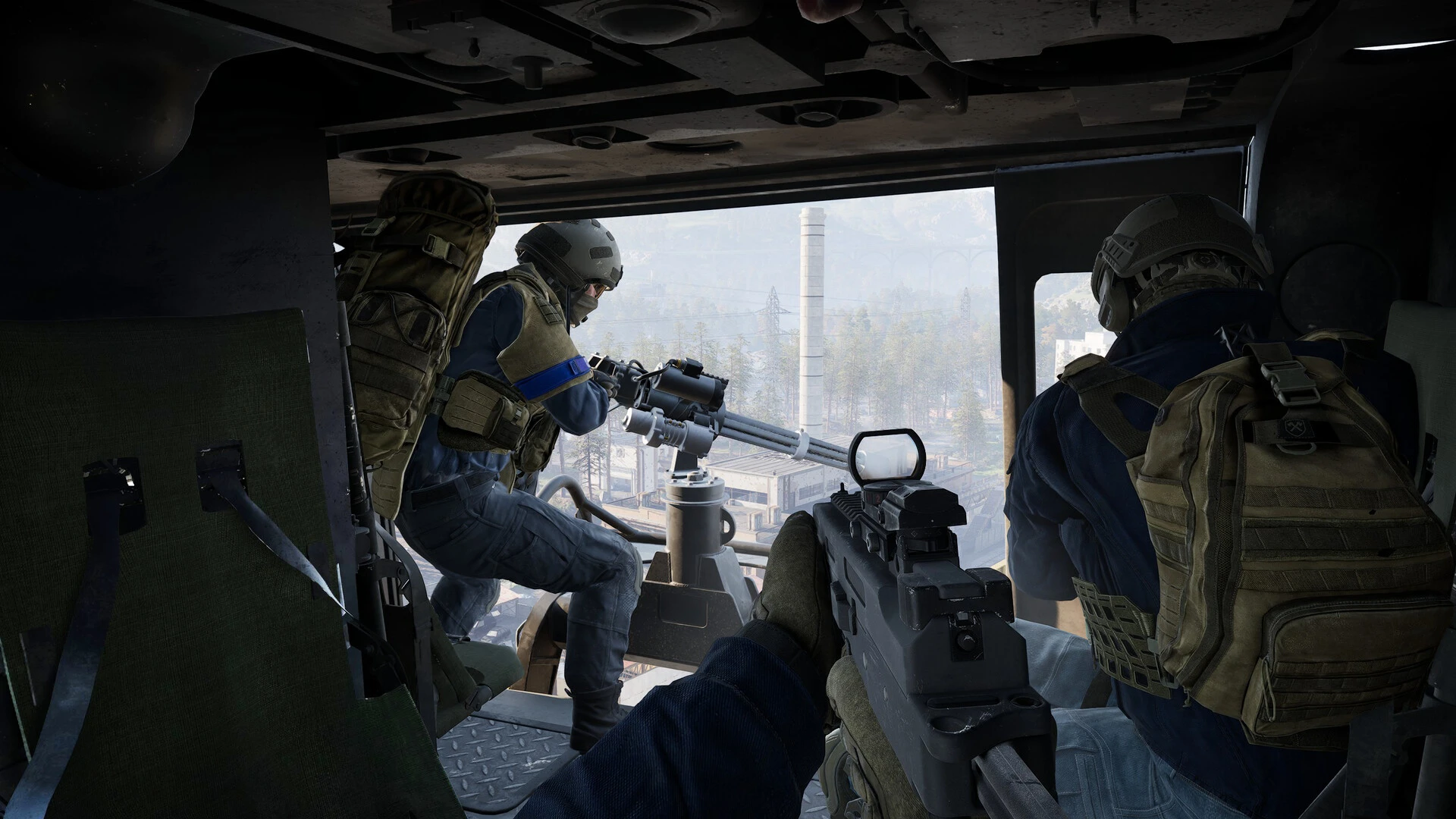
A crash at launch is not the same failure as a crash after twenty minutes in a match. Before applying fixes, label the stage: Steam never starts the process, the anti-cheat window fails, the game closes while building shaders, the menu crashes, or the system becomes unstable under gameplay load.
Preserve the evidence first
Write down the time and any displayed code. Open Windows Reliability Monitor and match the event to that timestamp. Record the faulting application or module without posting account identifiers or private paths publicly. If the whole PC restarts, also check temperatures and system-level hardware events; that symptom needs broader stability testing than an ordinary application exit.
Use the least invasive repair order
- Restart Windows to clear pending file locks and complete updates.
- Use Steam’s installed-file verification for WARDOGS.
- Check Windows Security protection history for a confirmed quarantine.
- Run the Easy Anti-Cheat repair tool shipped with the legitimate game installation.
- Temporarily close capture tools, overlays, hardware monitoring, and macro software.
- Install a stable GPU driver from NVIDIA, AMD, or Intel and reboot.
The official Steam listing states that WARDOGS uses kernel-level Easy Anti-Cheat. Do not bypass, rename, or disable it. If security software blocks a verified component, scope any temporary exception to the official file and remove it after the test.
Test a clean hardware baseline
Return CPU, GPU, and memory overclocks or undervolts to stock temporarily. Confirm adequate free storage and use the system-managed page file. A workload can expose marginal instability even when other games seem fine. Watch temperatures and clocks during the same point that normally crashes.
Avoid high-risk internet “fixes”
Do not download replacement DLLs, unsigned executables, registry packs, or modified anti-cheat files. Avoid deleting system folders or turning off all security controls. These changes create a larger problem and make a support report less trustworthy.
Prepare a useful escalation
Include the WARDOGS build, Windows version, CPU, GPU, RAM, graphics-driver version, exact crash stage, error code, and the repair steps already completed. Add whether the problem reproduces from a fresh boot and whether it happens in the menu or only during a populated match.
If WARDOGS runs without closing but players rubber-band or inputs arrive late, switch to network troubleshooting. A crash report and a latency report require different evidence even when they occur on the same evening.
Test your route with GamesTC
Download the app, pick your game and compare the optimized route against your normal connection before the next match.

Author
Equipe GamesTC
Especialistas em rotas para jogos
Conteúdo técnico sobre ping, jitter, packet loss, conectividade e desempenho em jogos online.
