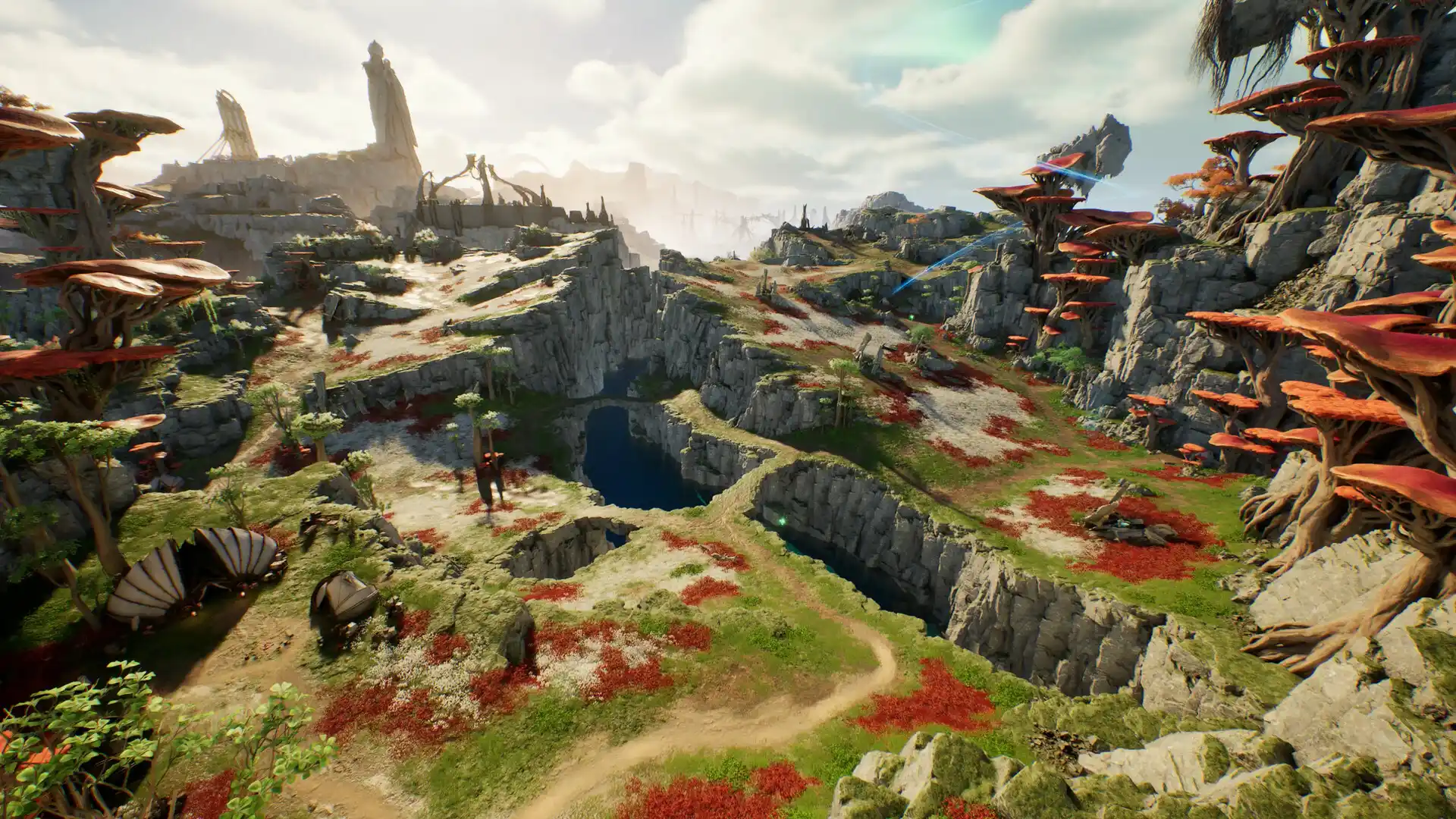
How to reduce high ping and lag in Aion 2: server routing and aerial combat guide
Master your network routing, eliminate jitter, and ensure responsive aerial combos in Aion 2 whether playing on Korean, Taiwanese, or global servers.
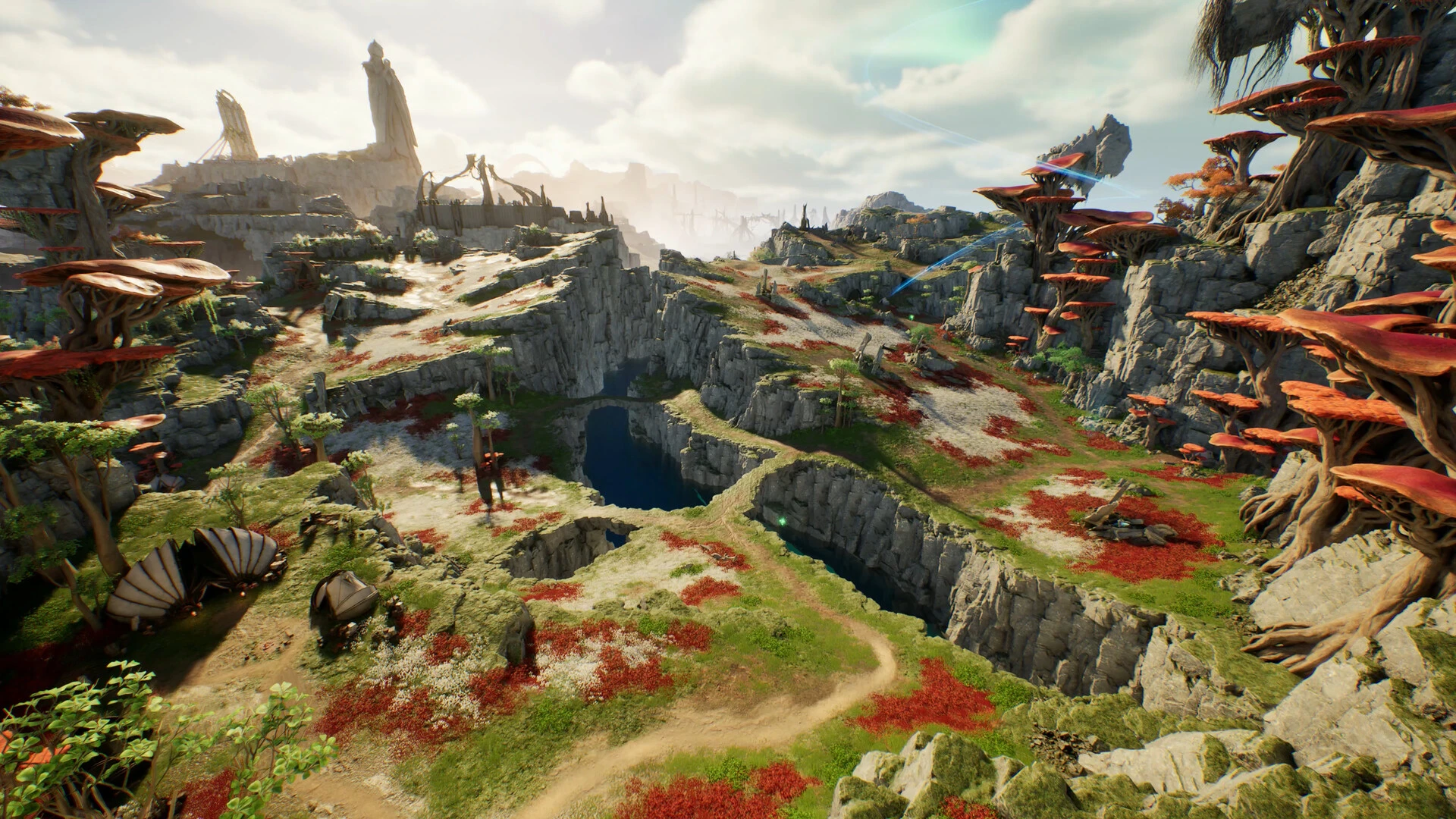
Ever since I began running live network captures on Aion 2 across NCSoft’s Korean and Taiwanese servers following their late 2025 launch, one technical reality became unmistakable: vertical aerial combat is ruthless when it comes to latency stability. When your Daeva catches a thermal updraft inside the Abyss and prepares an aerial skill chain, any 30ms jitter spike instantly stalls your input queue.
Why Aion 2 feels more latency-sensitive than traditional MMOs
In standard tab-target MMORPGs, moderate latency simply delays numbers rolling across the screen. Aion 2, engineered on Unreal Engine 5, synchronizes true 3D spatial vectors (X, Y, Z elevation and gliding momentum) alongside dynamic skill chains. When an inbound UDP movement packet encounters route jitter, the authoritative game server postpones resolving previous chain conditions, leaving your Daeva floating helplessly mid-air.
Pinpoint where delay originates before touching settings
Before switching DNS servers or opening support tickets with your ISP, inspect your network path across three well-defined layers:
| Network Segment | Typical Aion 2 In-Game Symptom | Primary Inspection Target |
|---|---|---|
| Local Home Network | Ping fluctuates even in quiet starter zones | Wi-Fi channel congestion, background cloud uploads, or failing LAN cables |
| ISP Transit & Peering | Ping is flat but excessively high with sudden spikes | Inefficient subsea fiber routing toward Seoul/Taipei or transoceanic peering bottlenecks |
| Game Cluster / NCSoft | Your entire legion or party desyncs simultaneously | Server instance overload, regional maintenance, or peak-hour population queues |
Repeatable testing workflow I recommend
- Switch to a hardwired Ethernet connection: Even premium Wi-Fi 6/6E routers suffer packet serialization delays when multiple household devices contend for radio airtime.
- Mitigate local bufferbloat: Pause torrent clients, cloud photo backups, and 4K video streams on your home network before entering raids or aerial PvP.
- Benchmark in actual combat, never in the lobby: Latency reported by the PURPLE launcher or title screen does not account for high-frequency physics packets during aerial fights. Track median and p95 latency over a 10-minute battle.
- Run an A/B route comparison with GamesTC: Focus on smoothing out 95th-percentile spikes rather than obsessing solely over minimum ping.
How GamesTC ensures responsive aerial dogfights
When connecting across oceans to servers in Asia or regional global data centers, physical distance creates unavoidable base propagation delay. GamesTC bypasses erratic public internet handoffs by funneling your UDP game traffic through private gaming corridors directly to NCSoft edge relays. This protects your aerial flight control from unexpected packet reroutes and keeps your combos landing on beat.
Test your route with GamesTC
Download the app, pick your game and compare the optimized route against your normal connection before the next match.