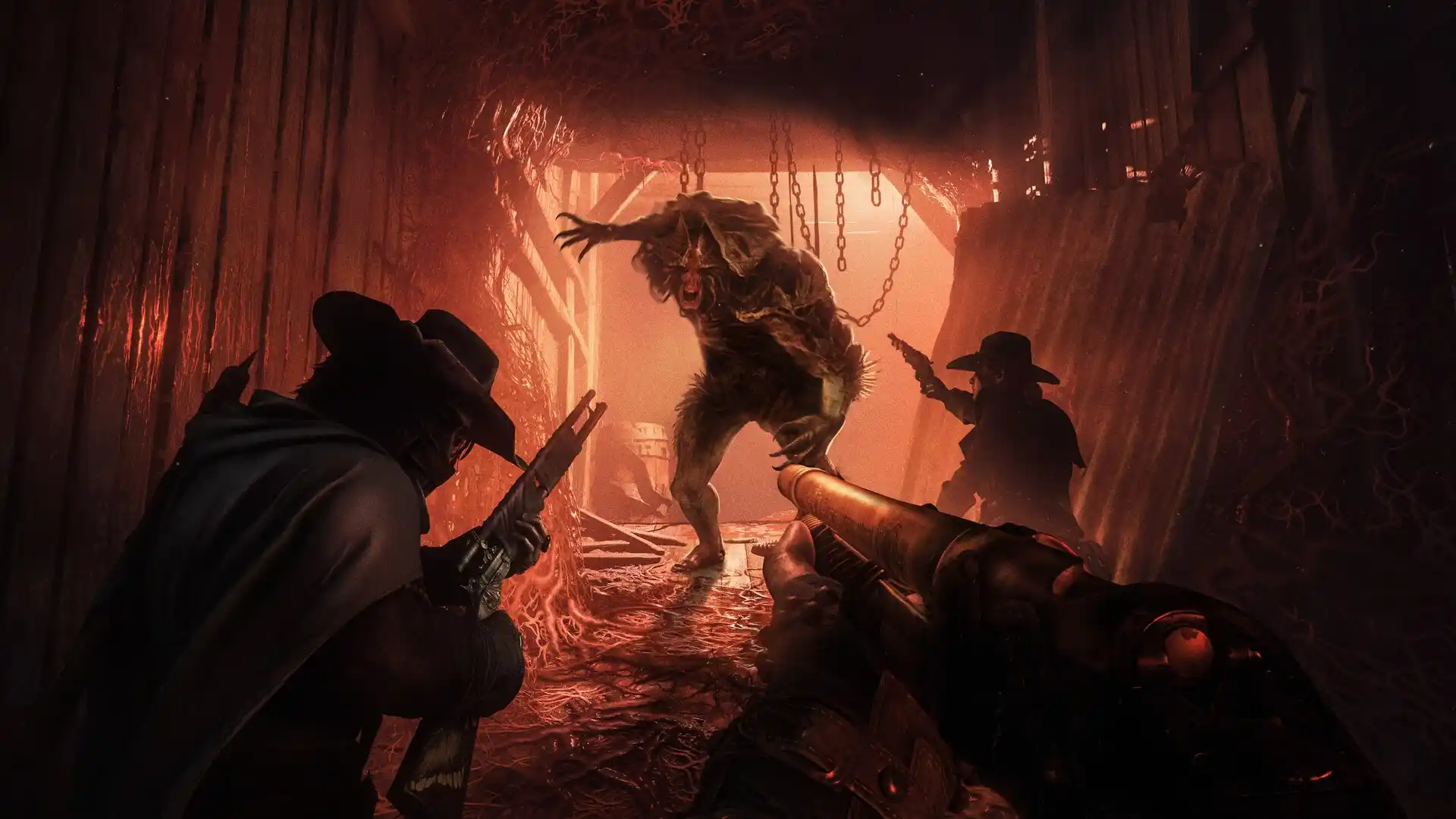
How to Lower Ping and Stabilize Network Routes in Hunt: Showdown 1896
Eliminate latency spikes in the upgraded CryEngine, land long-range rifle shots across Mammon's Gulch, and stop packet jitter for good.
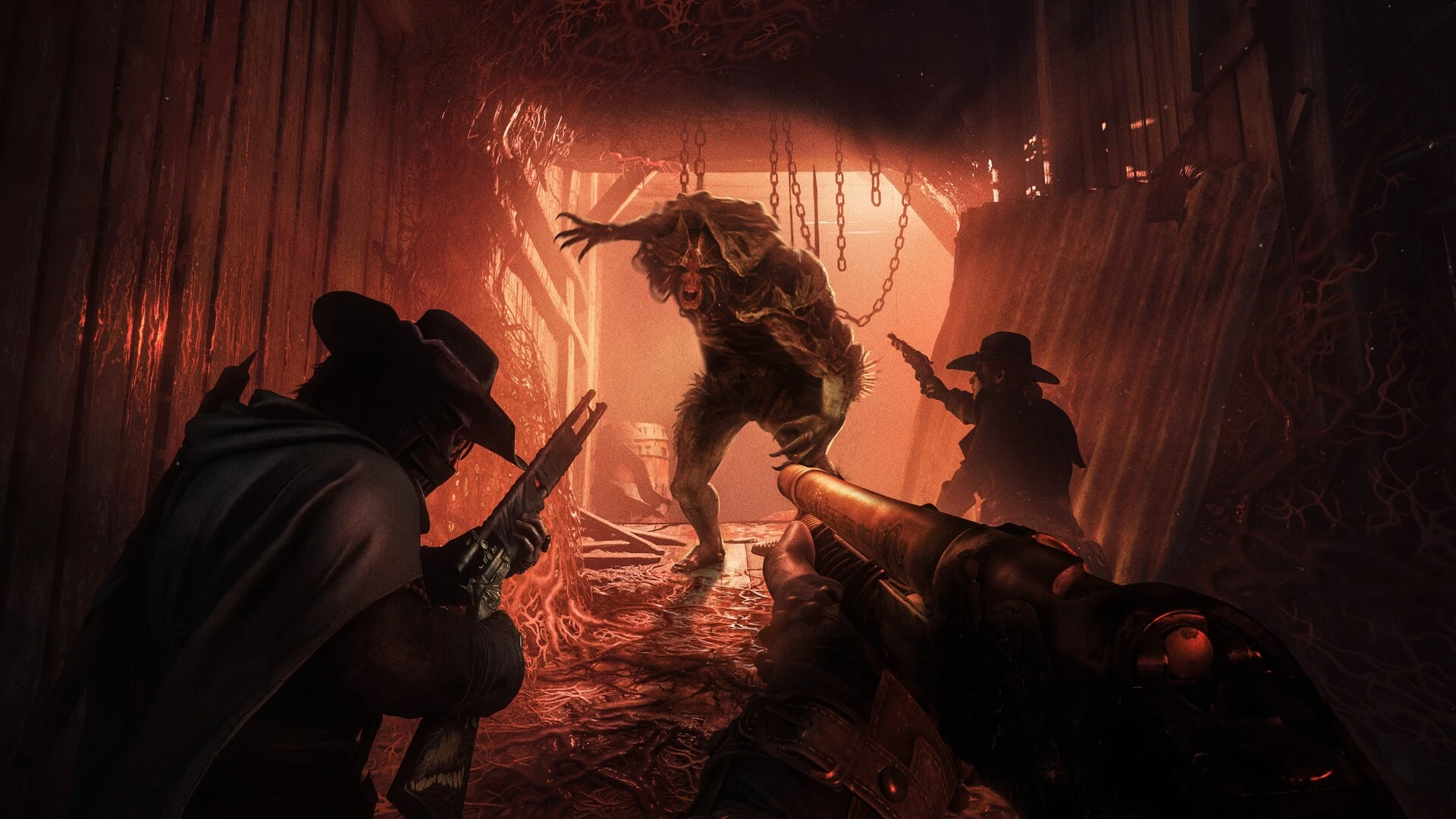
With the arrival of Hunt: Showdown 1896 and its massive engine upgrade to CryEngine 5.11, audio propagation and bullet physics are more detailed than ever. Taking long-distance rifle shots across Mammon's Gulch with a Mosin-Nagant or Lebel demands an unbroken, low-jitter network route to Crytek's dedicated servers.
Why CryEngine netcode is susceptible to route jitter
Unlike hitscan shooters, Hunt: Showdown 1896 computes physical bullet velocity, player velocity vectors, and complex hitboxes. When standard residential ISPs bounce packets across overcrowded public peering exchanges, round-trip times vary wildly from second to second. This unpredictability confuses server rewind calculations, causing clear headshots to vanish without a hitmarker.
Comparing latency attributes in Colorado hunt matches
Evaluating your connection quality requires analyzing more than just lobby ping:
| Metric | Observed network behavior | Impact on gunfights |
|---|---|---|
| Flat baseline ping | Predictable transit time to the data center | Allows reliable leading of moving hunters |
| Route jitter | Unpredictable packet arrival with 30-70 ms spikes | Inconsistent hit registration and delayed kill credit |
| Suboptimal ISP peering | Traffic traverses multiple congested commercial hubs | Noticeable audio delay on audio cues and death grunts |
Proven steps to stabilize your Hunt connection
- Use shielded Ethernet wiring: High-frequency packet pacing requires a wired connection to prevent radio interference and sudden retransmissions.
- Lock your matchmaking region: Manually designate your home server region instead of letting the game select erratic secondary continental nodes.
- Bypass public network congestion: Smart game tunnel routing forwards game packets along private fiber trunks directly to Crytek host environments.
How GamesTC elevates your Hunt: Showdown 1896 sessions
GamesTC manages the network footprint of HuntGame.exe at the lowest operating system level. By channeling UDP payloads along optimized express corridors, you avoid public routing detours, flatten jitter curves, and ensure every bolt-action shot registers with deadly certainty.
Test your route with GamesTC
Download the app, pick your game and compare the optimized route against your normal connection before the next match.