
How to Lower Ping and Optimize SDR Network Routes in Deadlock
Understand Valve's Steam Datagram Relay (SDR) protocol, secure vital soul orb last hits, and gain precision in high-tempo 6v6 4-lane skirmishes.
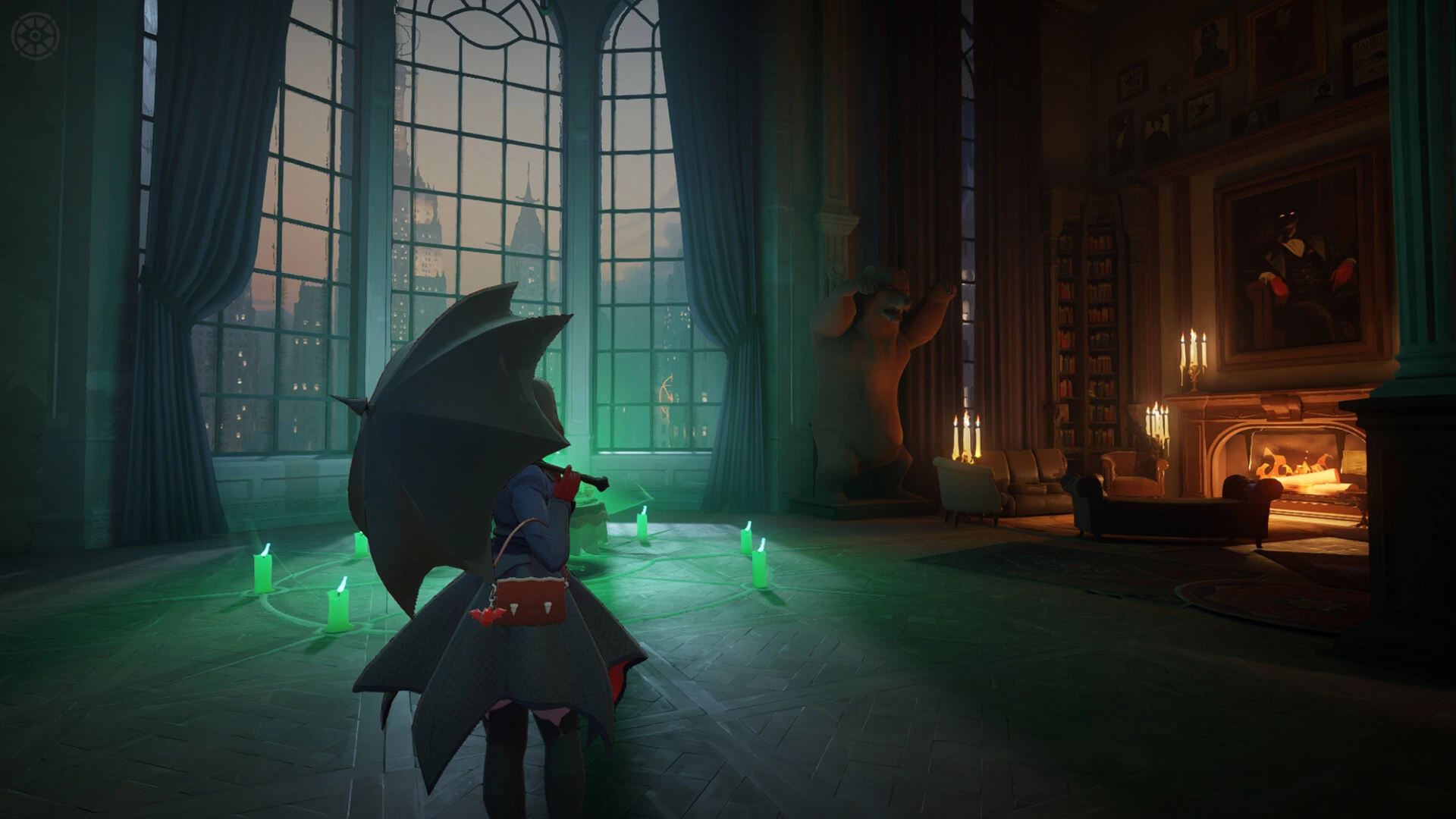
Valve's tactical third-person MOBA shooter Deadlock operates exclusively on the Steam Datagram Relay (SDR) architecture. Across its intense 6v6 matches spanning four active lanes, erratic latency makes winning crucial soul orb shootouts nearly impossible, turning favorable laning trades into lost lanes.
How Valve's Steam Datagram Relay (SDR) manages match traffic
Unlike traditional direct-to-server game hosting, Deadlock tunnels client UDP packets through Valve Points of Presence (PoPs). Your PC talks to an edge relay, which injects packets into Valve's private global fiber backbone. If your residential Internet provider routes you to an inefficient edge relay hundreds of miles in the wrong direction, latency balloons unnecessarily.
Why milliseconds dictate the soul orb economy in Deadlock
Securing and denying flying soul orbs from creep waves is the lifeblood of Deadlock laning:
| Latency tier | Laning phase responsiveness | Soul deny outcome |
|---|---|---|
| Sub-30 ms ping | Immediate projectile hit validation | High percentage of soul confirms and opponent denies |
| 50 ms to 80 ms ping | Noticeable delay on hit confirmation | Forces preemptive firing before the orb reaches apex |
| 100+ ms or jitter | Opponent claims the soul while your shot is in flight | Severe economic deficit leading to item timing delays |
Steps to optimize your SDR connection path
- Inspect SDR telemetry via developer console: Press F7 in-game and run the
statuscommand to inspect your active cluster ping and packet routes. - Prioritize physical wired Ethernet: Wi-Fi packet dropouts during teamfights severely delay projectile confirmation and active item usage.
- Utilize optimized game routing: Direct connection corridors route game packets straight to the closest Valve edge PoP.
Unleash your full potential in Deadlock with GamesTC
GamesTC intercepts deadlock.exe and routes its packets directly into the lowest-latency entry points of the Valve network. Enjoy responsive soul securing, razor-sharp hero aim with Haze or Vindicta, and fluid execution through every phase of the match.
Test your route with GamesTC
Download the app, pick your game and compare the optimized route against your normal connection before the next match.