How to reduce high ping and lag in Arkheron: server routing guide for Steam Playtest
Master your connection routing, eliminate packet jitter, and ensure responsive PvP skill dodges in Arkheron during Steam Crossplay Beta.
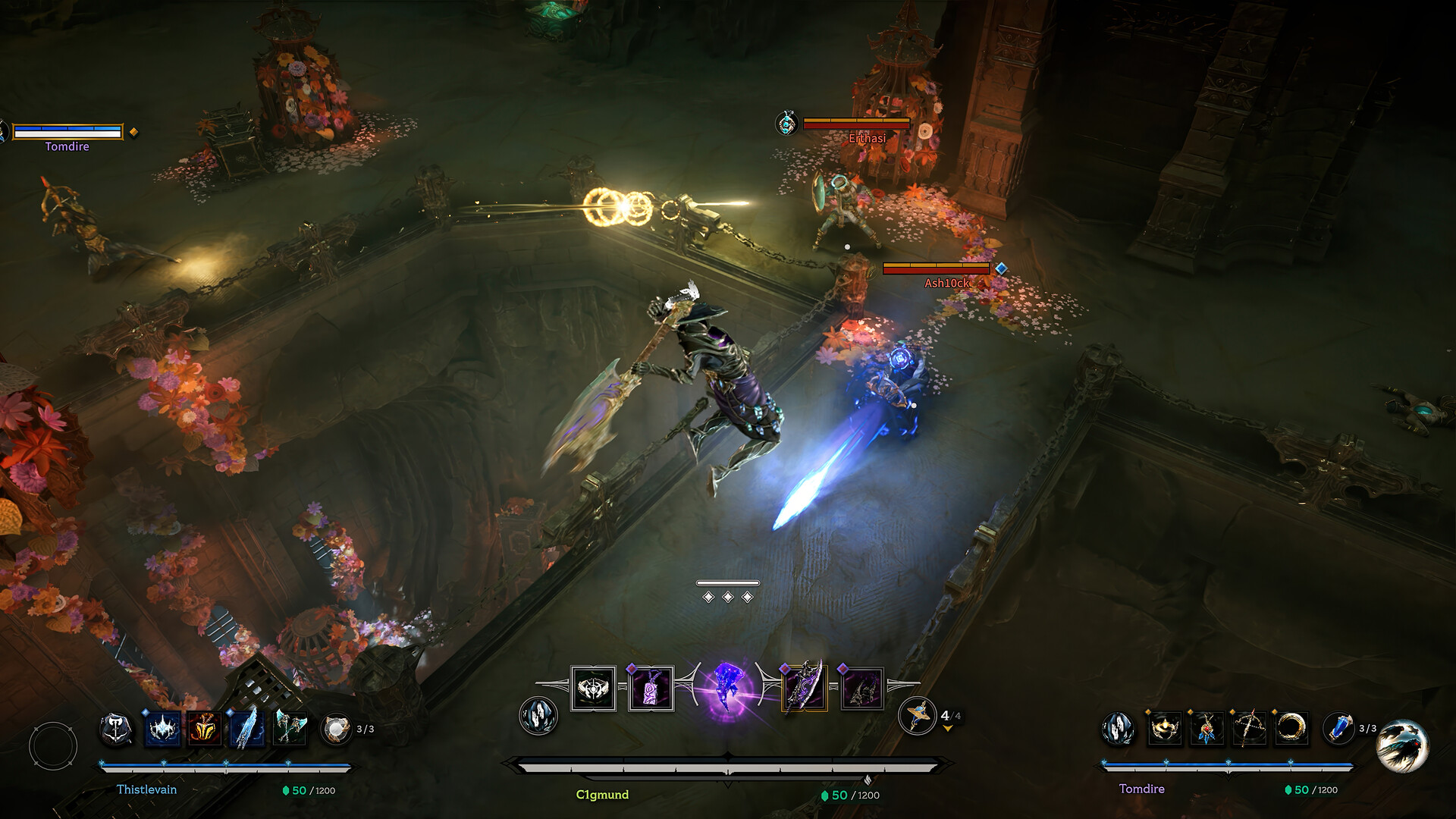
Testing Arkheron matches during the Steam Playtest hosted by Bonfire Studios reveals an undeniable competitive reality: dungeon PvP combat is ruthless when network delay strikes. When your team ambushes a rival trio in a tight subterranean corridor, split-second dodge rolls and skill shots require immediate server confirmation to secure your extraction.
Why latency matters so much in Arkheron PvP
Arkheron merges fast-paced isometric action combat with the high stakes of team-based dungeon extraction. Because directional abilities and i-frame dodge mechanics are validated on authoritative Steam game servers, network packet delay directly harms your hit registration. When route jitter occurs, your dodge input is processed late, leaving your character exposed to lethal area attacks.
Pinpoint where lag originates across three network stages
Before assuming server problems or tweaking unrelated Windows settings, identify which hop of your connection introduces unwanted delay:
| Connection Segment | Typical Arkheron Symptom | Primary Inspection Target |
|---|---|---|
| Local Home Network | Ping fluctuates erratically even in empty dungeon rooms | Wi-Fi channel interference, faulty Ethernet cables, or family bandwidth usage |
| ISP Transit & Peering | Ping remains flat but abnormally high across matches | Suboptimal routing paths chosen by your public provider toward regional data centers |
| Game Host Infrastructure | Every player in the match experiences simultaneous freezing | Steam playtest concurrency spikes or live server patch deployments |
Actionable workflow to stabilize your gameplay
- Switch to a direct wired Ethernet connection: Wi-Fi introduces radio arbitration delay that easily creates input lag during intense multiplayer teamfights.
- Eliminate home bufferbloat: Pause torrent clients, large Steam updates, and automated cloud sync services that saturate your router upstream queue.
- Monitor jitter alongside base ping: A stable 50 ms connection feels substantially smoother than a connection jumping between 25 ms and 110 ms every five seconds.
- Bypass public transit congestion with dedicated corridors: Standard internet providers route traffic based on financial peering agreements rather than latency optimization.
How GamesTC ensures instant responsiveness in Arkheron
GamesTC analyzes available routes between your PC and the Arkheron game servers, routing your UDP packets through direct, low-latency gaming paths. By bypassing congested public transit nodes, GamesTC keeps your ping predictable, smooths out latency spikes, and guarantees that your timing-critical abilities land exactly when you press the key.
Test your route with GamesTC
Download the app, pick your game and compare the optimized route against your normal connection before the next match.