Fix Arkheron desync, packet loss, and rubberbanding in competitive PvP matches
Discover why dodge rolls snap backwards and learn how to eliminate desync, ghost hits, and UDP packet loss in Arkheron dungeons.
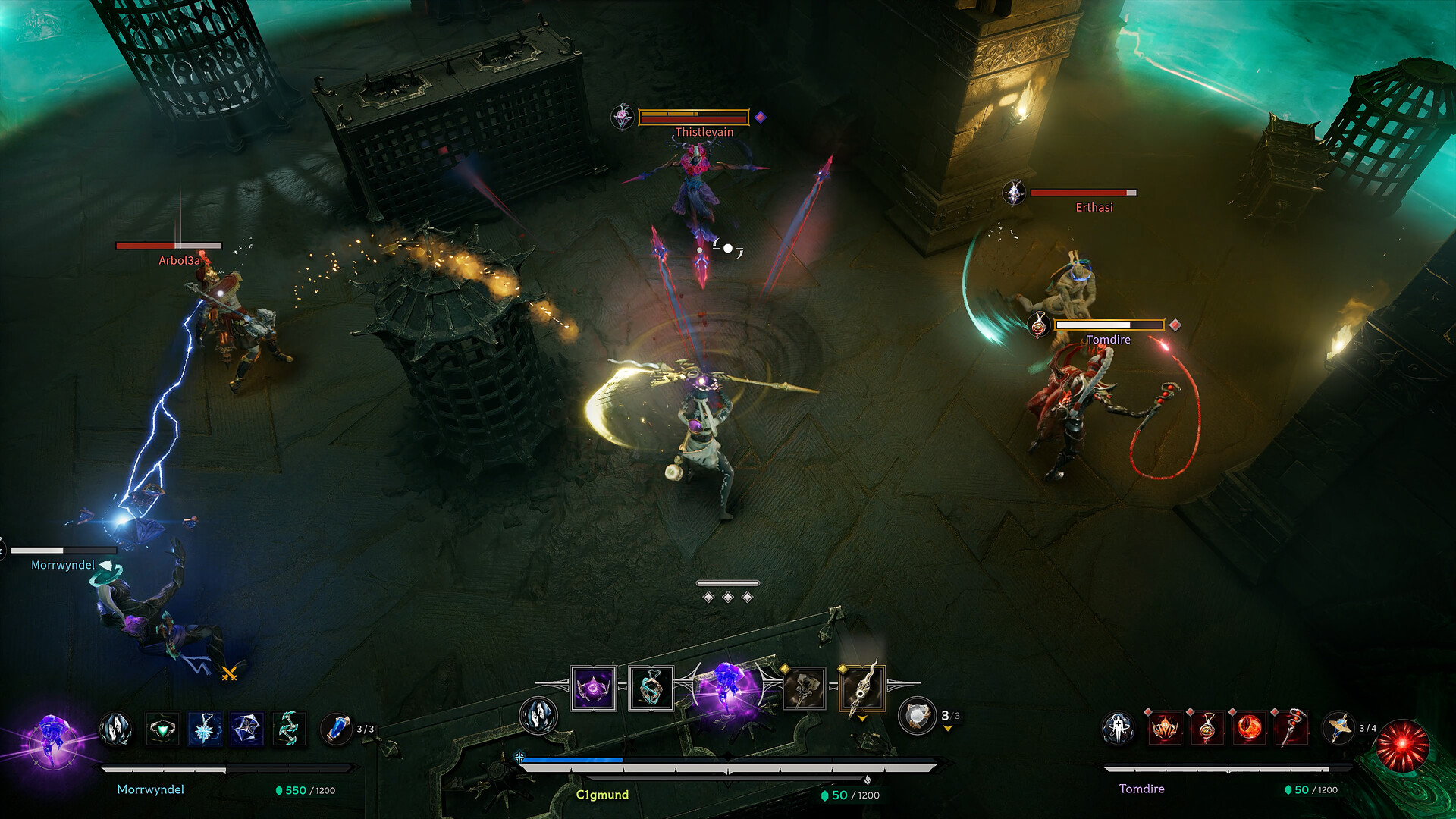
You spot an enemy trio in Arkheron, execute a dodge roll away from an incoming spell, and a fraction of a second later your character snaps violently backwards into the center of the blast. That jarring repositioning is rubberbanding, the telltale sign of position desynchronization caused by UDP packet loss along your network route.
Understanding rubberbanding and desync in Arkheron
Arkheron relies on client-side prediction to keep movement responsive on your display. While you sprint and dodge, your PC streams rapid UDP packets communicating coordinates and actions to the Steam authoritative server. When intermediary network equipment drops these packets, the server never learns about your maneuver. Once the next server update arrives, your client is forced to reconcile its local state with the server's world, snapping your character backward.
High latency versus packet loss: knowing the difference
Differentiating between these two distinct network phenomena is essential for effective troubleshooting:
| Network Issue | In-Game Manifestation in Arkheron | Underlying Technical Trigger |
|---|---|---|
| Steady High Ping | Actions trigger with a delay, but movement remains smooth | Physical distance to the game data center |
| UDP Packet Loss | Ghost hits where attacks deal zero damage, character teleportation | Packets dropped by congested switches along public transit hops |
| Severe Jitter | Abrupt shifts between slow-motion and rapid speed-up animations | Inconsistent transit intervals between sequential packets |
Practical checklist to resolve packet drop and desync
- Perform a clean modem and router power cycle: Unplug both devices for thirty seconds to purge internal buffers and corrupted NAT session tables.
- Inspect Ethernet cables for physical stress: Kinked or degraded cat5e patch cables frequently drop packets under sustained duplex gaming traffic.
- Disable Network Adapter Power Saving in Windows: In Device Manager, open your Ethernet controller properties and uncheck "Allow the computer to turn off this device to save power".
- Bypass wireless Wi-Fi mesh repeaters: Consumer Wi-Fi extenders substantially elevate retransmission rates, generating immediate desync in fast-paced dungeon PvP.
How GamesTC eliminates packet loss in Arkheron
GamesTC safeguards your game packets against carrier congestion by transmitting UDP data over private network backbones. If an ISP gateway begins dropping game data, GamesTC actively routes around the problematic hop in real time. This ensures true-to-life hit registration, fluid evasive rolls, and zero rubberbanding during team extractions.
Test your route with GamesTC
Download the app, pick your game and compare the optimized route against your normal connection before the next match.