EA SPORTS FC™ 27 Packet Loss and Red Icons: How to Stop DNF Losses
Understand in-match connection quality indicators in FC 27, fix speed-up lag, and prevent frustrating disconnects in Champions and Rivals.
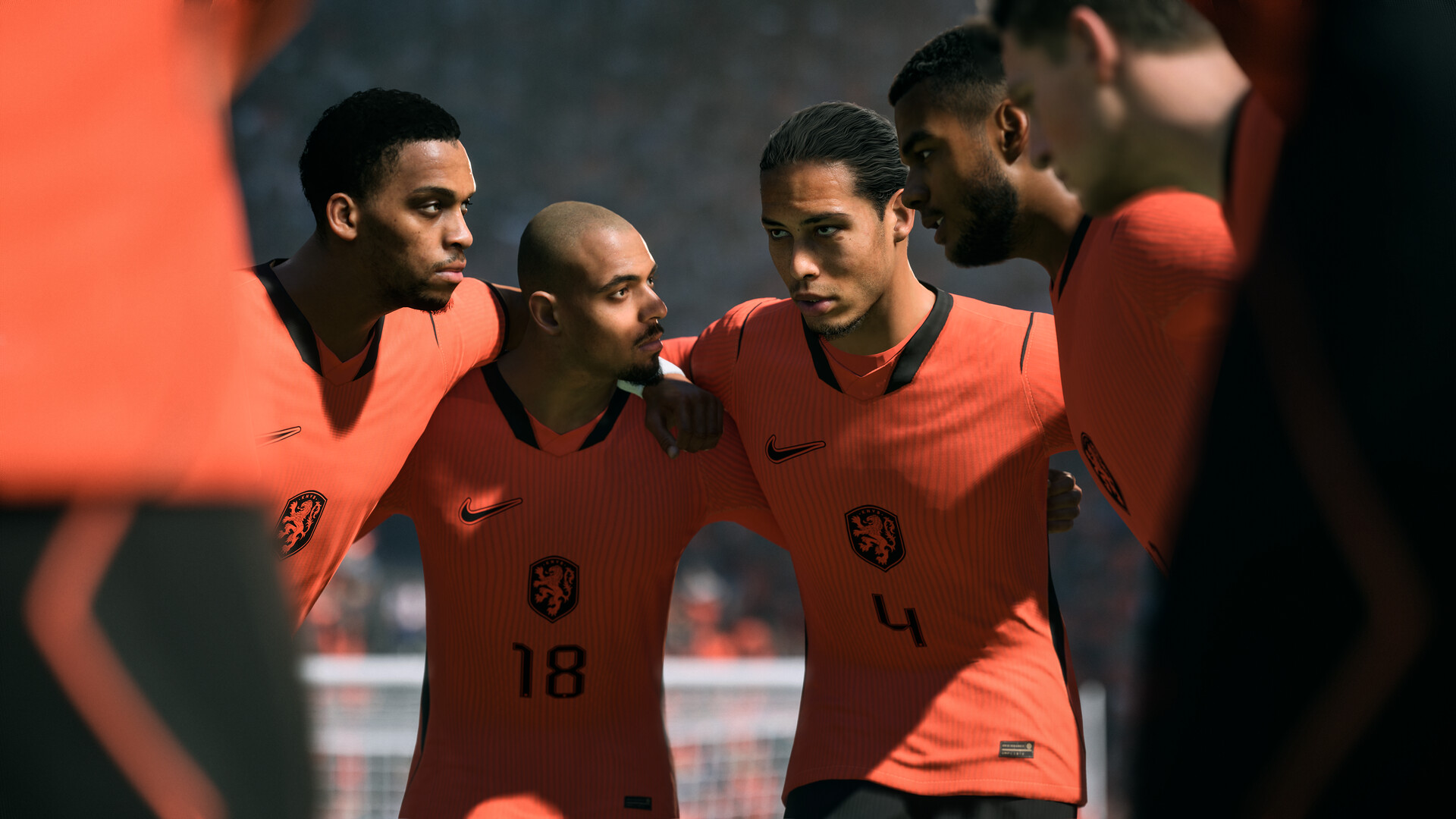
You are leading a decisive match in the EA SPORTS FC™ 27 Weekend League when red connection icons flash at the top of your display, gameplay freezes momentarily, fast-forwards at double speed (speed-up lag), and disconnects with a Did Not Finish (DNF) loss. This gameplay disaster is caused by UDP packet loss along your network route.
Decoding in-game connection status indicators in FC 27
EA SPORTS FC™ 27 features built-in telemetry icons to inform players of real-time network degradation:
| Connection symbol | Official indicator | Underlying technical event |
|---|---|---|
| Two overlapping squares (Yellow/Red) | Packet Loss | UDP packets carrying player positions and controller inputs were dropped in transit |
| Three expanding circles | Jitter | Abrupt latency variance between sequential data bursts causing jerky movements |
| Yellow or Red speedometer/triangle | High Ping | Round-trip transit time to the server has exceeded safe competitive thresholds |
Why does speed-up lag happen during online matches?
EA SPORTS FC™ 27 relies on UDP networking for lightning-quick sports simulation. Unlike web browsers that re-request dropped packets, real-time gaming must move forward continuously. When intermediate ISP routers drop game packets, your client freezes while waiting for server authority. When the backlog arrives, the engine fast-forwards local rendering to catch up with server time, often resulting in an undefendable conceded goal.
Defensive steps to prevent disconnects and DNF penalties
- Eliminate Wi-Fi and powerline adapters: Airborne interference and electrical surges silently discard UDP datagrams before they leave your home.
- Enable router QoS (Quality of Service): Prioritize your PC's IP address to prevent household smart TVs or downloads from choking gaming packets.
- Inspect physical network cables: Damaged RJ45 clips or degraded cat5 cables produce cyclic packet drops at the physical layer.
- Rely on private gaming routes: Standard residential networks drop UDP traffic first whenever public fiber backbones experience peak hour congestion.
Never lose match progress again with GamesTC
The GamesTC network engine protects FC27.exe by steering UDP datagrams through high-priority carrier backbones. If an ISP backbone drops packets, GamesTC reroutes your game session seamlessly without dropping the connection, keeping your hard-earned Weekend League rank safe.
Test your route with GamesTC
Download the app, pick your game and compare the optimized route against your normal connection before the next match.