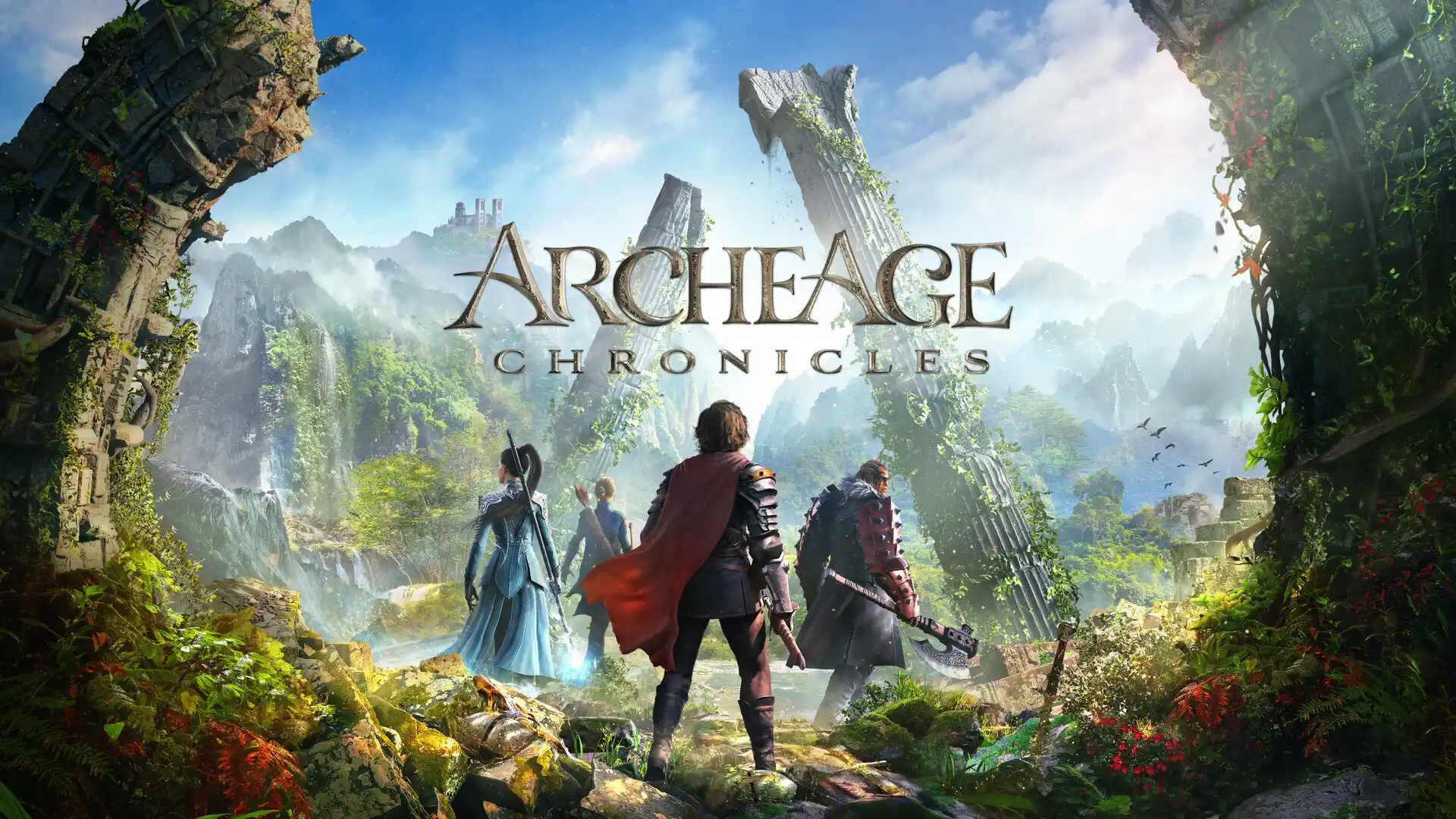
ArcheAge Chronicles Early Access: lower ping and keep your route steady
Parries that land, dodges that fire on time and trade runs without hitches. Here is what actually matters for your ArcheAge Chronicles connection.
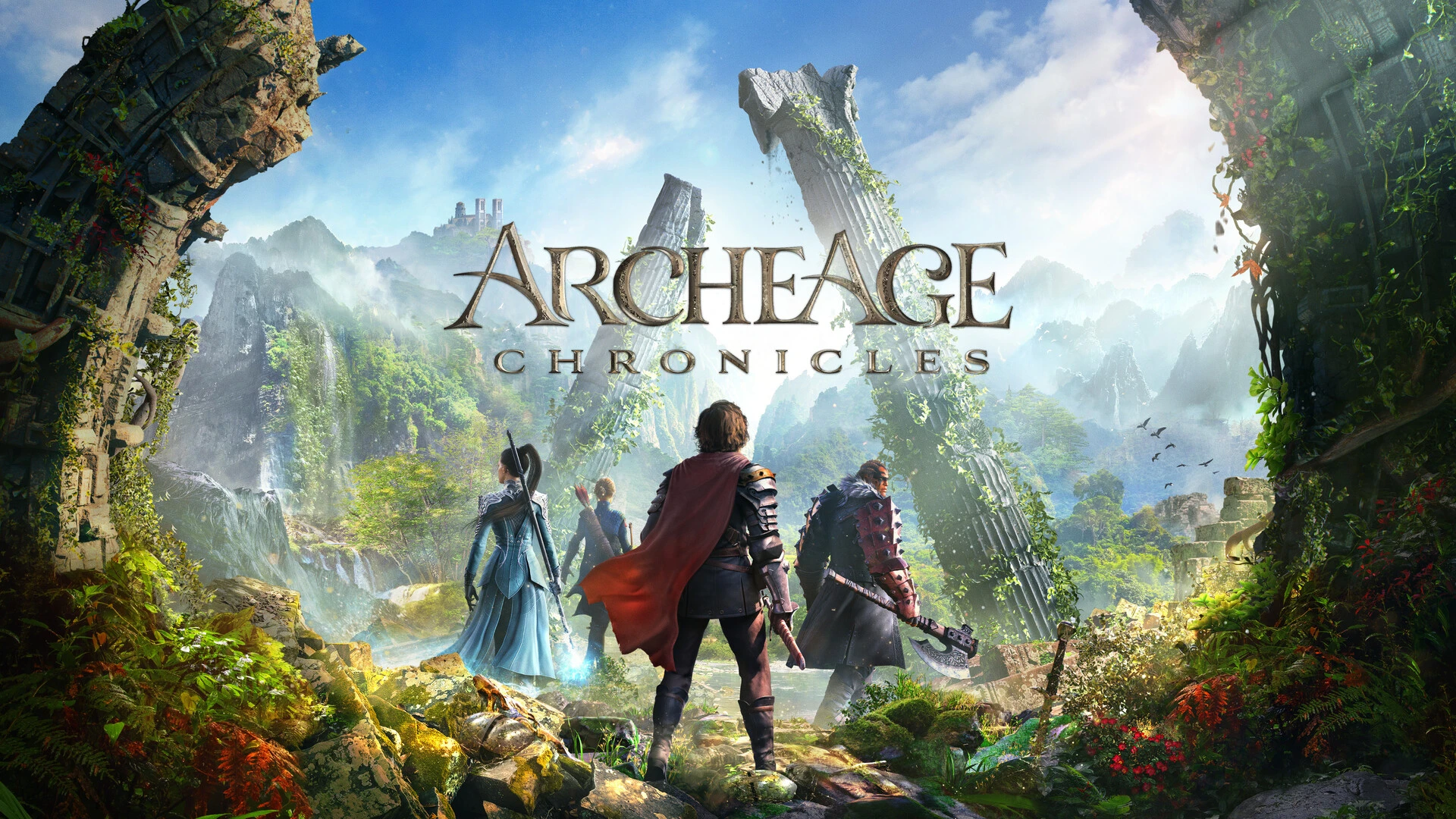
ArcheAge Chronicles opened its Early Access on Steam on November 3, 2026, and it plays nothing like a tab-target MMO. You jump, roll, dash, block and parry in real time. That kind of combat does not care how many megabits you pay for. It cares whether every input reaches the server at a steady pace.
Action combat exposes a bad connection fast
In an older MMO, 80 ms of delay just makes a skill bar feel heavy. In Auroria a parry is a narrow window. If your block packet shows up late, the boss swing has already been resolved as a hit. Ranged players feel it too, usually as a reposition that snaps back after a roll.
Three symptoms, three different causes
- High but flat ping: the server is far away or your ISP takes a long path to reach it. Skills feel late, but consistently late.
- Ping jumping between 60 and 200 ms: that is jitter. Parries work most of the time and fail out of nowhere.
- Rubberbanding: packets are getting lost on the way. It shows up in crowded towns and on trade runs.

A fair before-and-after test
Launch week is noisy, so keep the test tight. Use a wired connection, pause Steam downloads, and stay on the same character, area and time of day. Watch the in-game ping for five minutes without a tunnel, then repeat with GamesTC. Judge the swings, not the single lowest value you saw.
Trade runs and PvP are where loss hurts most
Hauling goods through dangerous territory is exactly when you do not want your character sliding back two steps. When your group is defending a route, packet loss makes enemies look faster than they are and lands your hits late. If the problem only shows up in those busy stretches, the cause is almost always loss on the path rather than low FPS.
Setting up GamesTC
GamesTC detects ArcheAgeChronicles.exe and sends only the game traffic through the route picked by Smart Route. Browser, Discord and downloads keep using your normal connection. Turn on Auto-Connect and the tunnel comes up by itself when the game starts. The ArcheAge Chronicles page on GamesTC lists the cities available for the game.
Test your route with GamesTC
Download the app, pick your game and compare the optimized route against your normal connection before the next match.