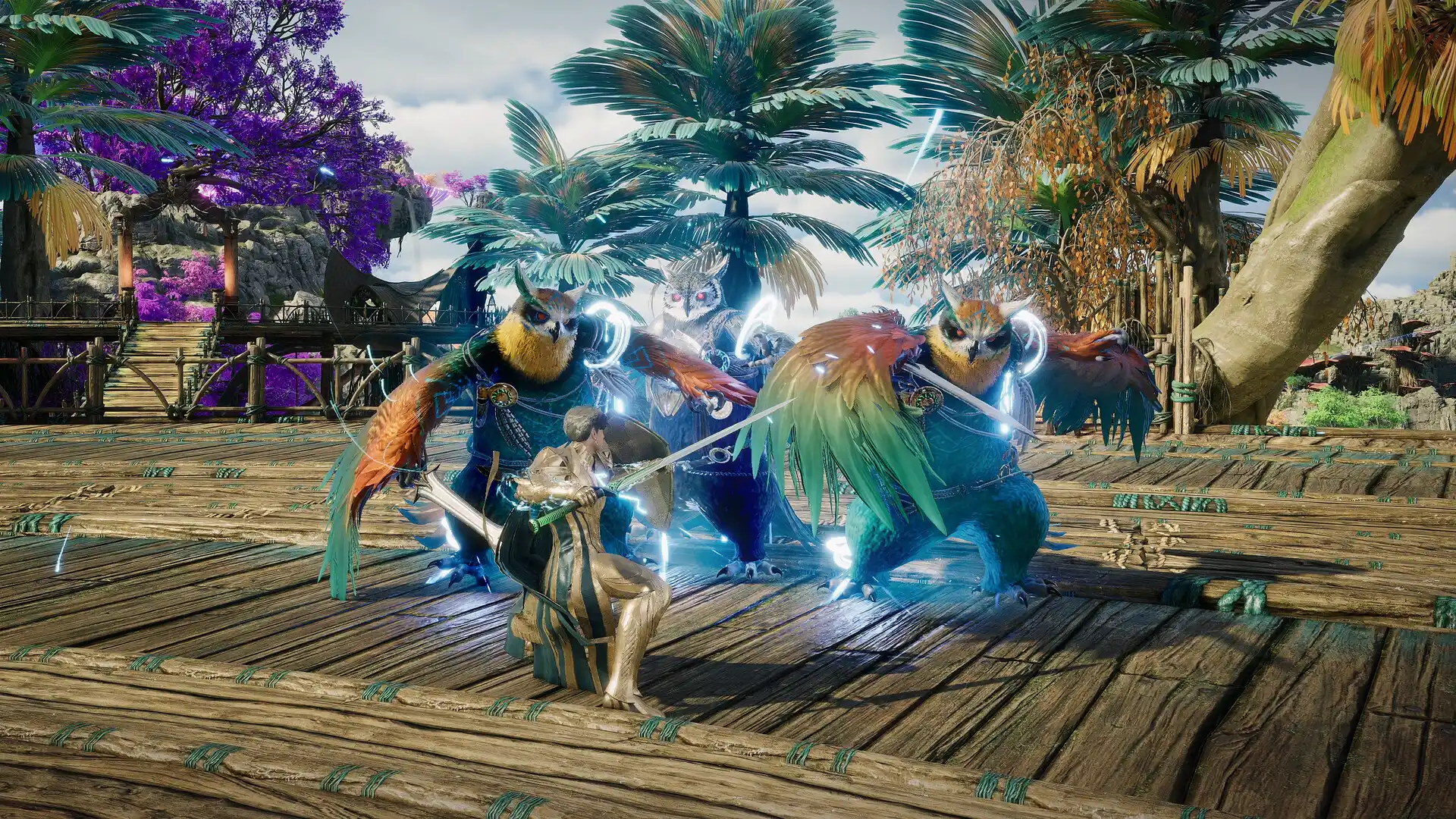
Aion 2 ultimate PC and network optimization guide: raids, world bosses, and global launch
Prepare your gaming rig and internet connection for Aion 2. Complete Windows, graphics card, router, and routing checklist for seamless raids.
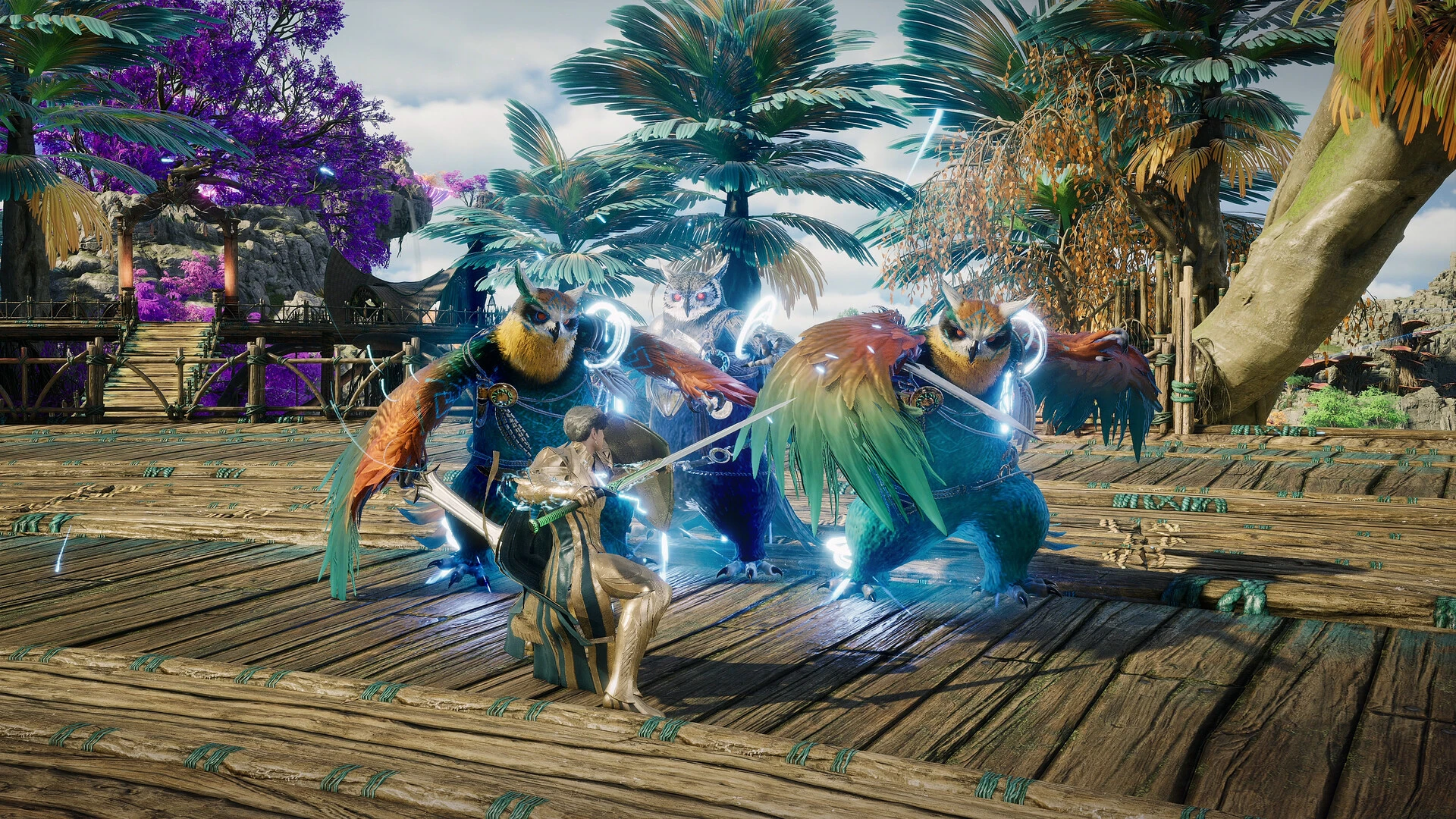
With Aion 2's worldwide launch on October 5, 2026, and upcoming infrastructure stress tests, preparing your hardware and internet setup will make the difference between leading server-first raid clears or struggling with delayed skill queues. Drawing on months of technical testing on live Korean and Taiwanese servers, here is the definitive system and networking playbook.
Balancing render latency against network latency
Total latency in fast-paced aerial combat is always the sum of two distinct loops: system input latency (the time your PC takes to sample keystrokes and render the corresponding frame) plus network round-trip time (ping). If either half of the chain falters, your aerial block or evasion in Aion 2 triggers after the boss attack has already landed.
System and hardware checklist for Aion 2
| System Layer | Optimal Setting | Technical Benefit |
|---|---|---|
| Windows Game Mode | Enabled (Settings > Gaming > Game Mode) | Prioritizes CPU scheduling and render threads exclusively for Aion 2 |
| Hardware-Accelerated GPU Scheduling (HAGS) | Enabled (Display > Graphics Settings) | Reduces latency in frame queue handoffs between CPU and GPU memory |
| Windows Power Plan | High Performance | Prevents CPU core downclocking during demanding dungeon raid phases |
| GPU Driver Control Panel | Low Latency Mode set to Ultra (NVIDIA) or Anti-Lag (AMD) | Caps pre-rendered frames to keep mouse and keyboard input razor sharp |
Crucial network optimizations for world bosses and raids
- Ditch Wi-Fi for solid Cat6 Ethernet: When high-stakes aerial mechanics require pixel-perfect positioning, a hardwired cable guarantees collision-free packet delivery.
- Implement Smart Queue Management (SQM): If your router supports SQM, turn it on to eliminate bufferbloat when household devices upload photos or stream video.
- Configure high-reliability public DNS: Use Cloudflare (1.1.1.1) or Google (8.8.8.8) to speed up launcher authentication handshakes and CDN asset lookups.
- Conduct structured A/B testing with GamesTC: Run three dungeon runs on your standard connection, then three runs routed through GamesTC. Compare median response times, p95 stability, and the instant responsiveness of mid-air skill chains.
Take flight with absolute confidence
With an optimized Windows foundation and low-jitter game routing powered by GamesTC, your Daeva is primed to dominate the skies of Atreia upon global release.
Test your route with GamesTC
Download the app, pick your game and compare the optimized route against your normal connection before the next match.